Video generation & editing
Create project
Select existing project
No projects yet. Create one first.
Note
Edit the full script on the right, then click "Start split" for AI to split it into segments.
Script
Segments
Split the current episode into 5–10 second segments for video generation.
Global parameters
These parameters are submitted with each segment to keep characters and scenes consistent.
Export options
Compose segments and export video. Optional dubbing or subtitles will be mixed in on export.
After creating or selecting a project, go to Script to enter your script or use AI to generate one, then click "Start split".
Full script
Segment list
Run AI split first.
Script fragments
4 fragment(s)Opening: city view
A young entrepreneur thinks about new business ideas in a café. The camera slowly pushes in, city night in the background. With uplifting background music.
A young entrepreneur thinks about new business ideas in a café. The camera slowly pushes in, city night in the background. With uplifting background music.
Close-up: inspiration
The entrepreneur writes quickly in a notebook, eyes full of light. Soft lighting, focus on their concentrated expression.
The entrepreneur writes quickly in a notebook, eyes full of light. Soft lighting, focus on their concentrated expression.
Medium: product prototype
A clean mobile app interface, fingers operating smoothly on screen. Modern UI style.
A clean mobile app interface, fingers operating smoothly on screen. Modern UI style.
Ending: team collaboration
A group of energetic young people high-five in an office, sunlight through the window, a hopeful scene.
A group of energetic young people high-five in an office, sunlight through the window, a hopeful scene.
AI script input
💡 Script tips
- • Describe scene, characters, and action
- • Specify camera movement (push in, pull out, etc.)
- • Add music and sound effect notes
- • Set duration and style
Quick templates
Parameters
Advanced
Audio generation
Generate dubbing (TTS) for this segment, or use dubbing from composition.
Subtitle generation
Speech-to-subtitle (ASR) or upload SRT for burn-in on export.
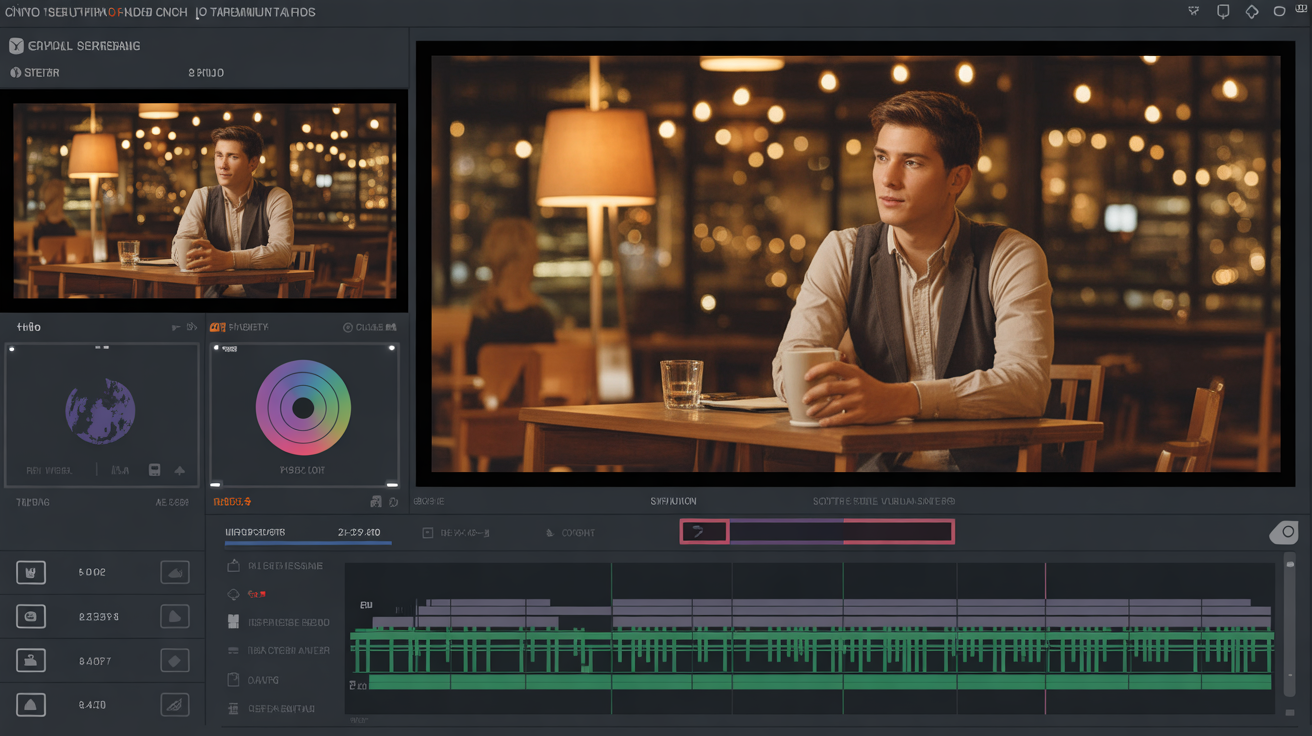
A young entrepreneur thinks about new business ideas in a café. The camera slowly pushes in, city night in the background. With uplifting background music.
Timeline
Preview
After composing, click "Export video" on the left or top to preview and download.